
1. Complete the form below and click register.
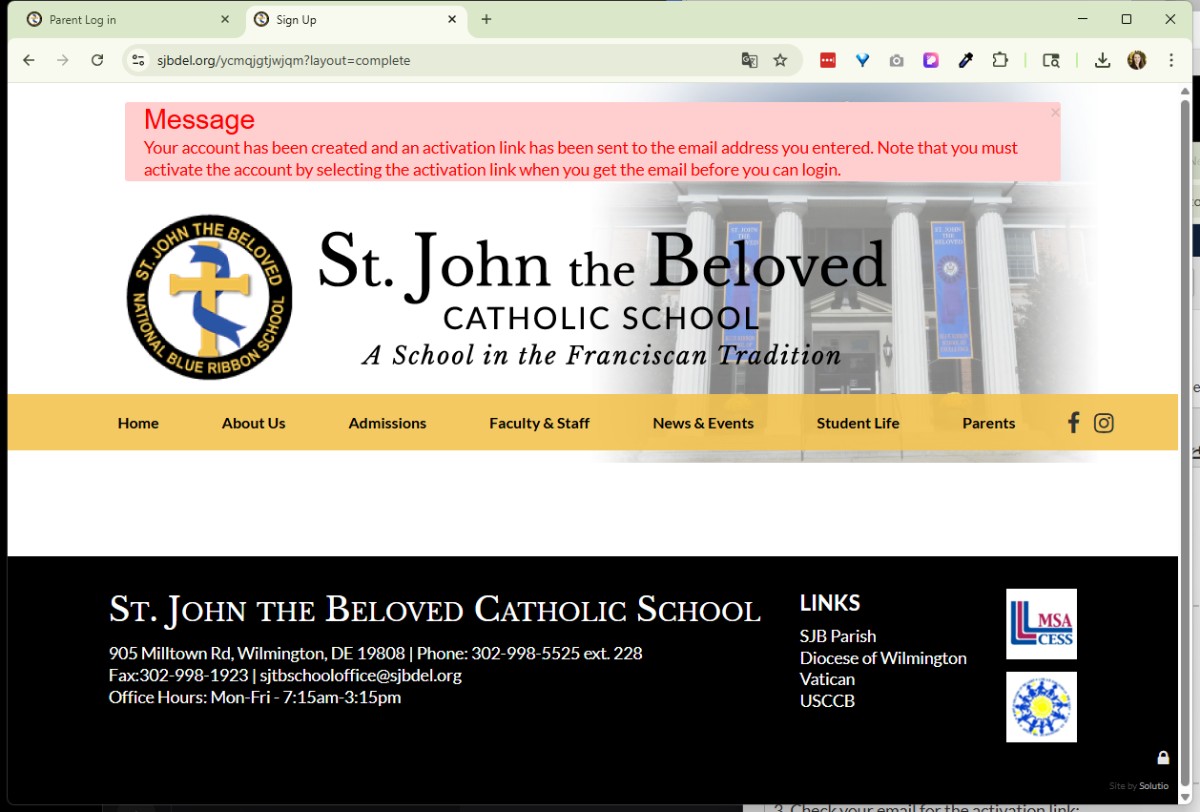 2. A Message will apear at the top of the screen:
Message
Your Account has been created, and an activation link has been sent to the email address you entered. Note that you must activate the account ... from the email sent to your inbox before you can login.
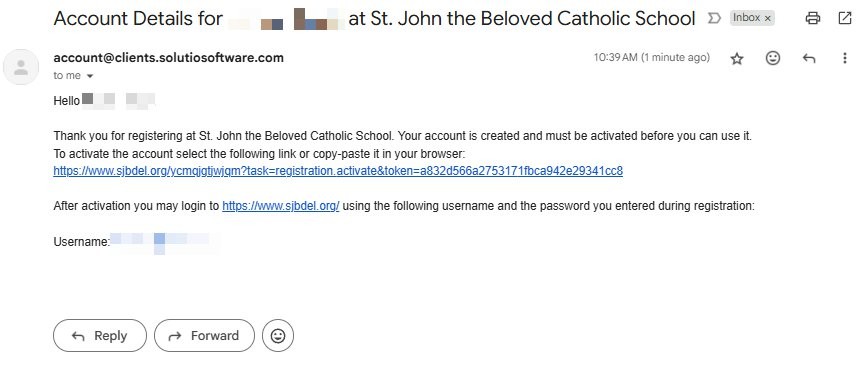 3. Check your email for the activation link:
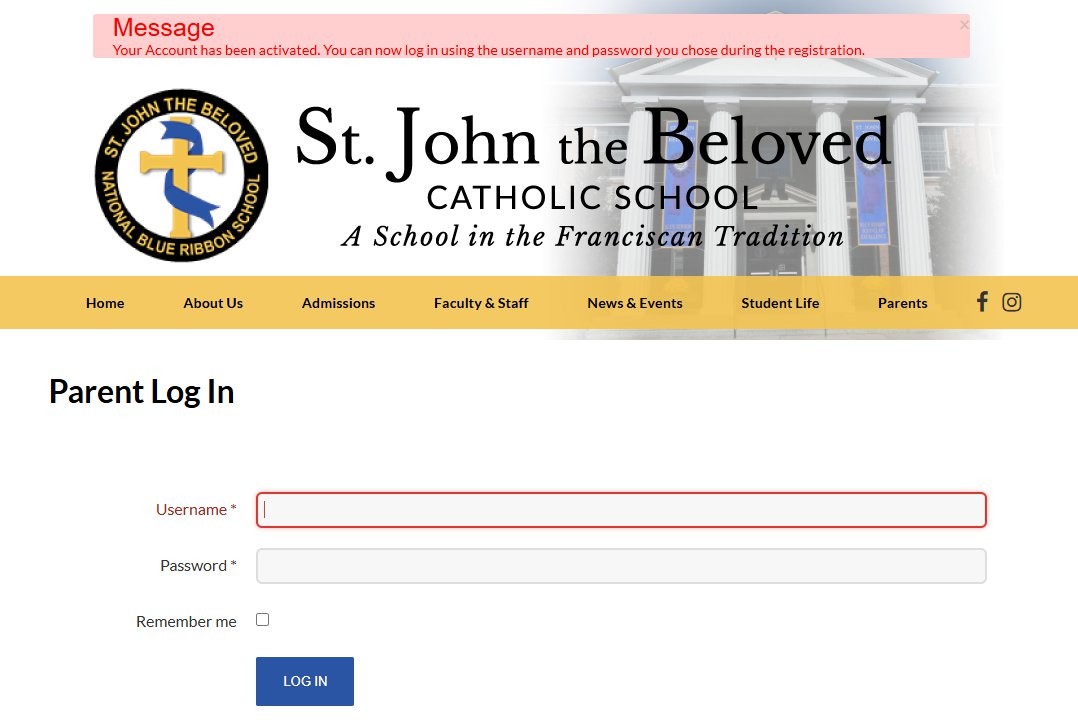 4. Click the activation link:
Message
Your Account has been activated. You can now log in using the username and password you chose during the registration.
Visit https://www.sjbdel.org/login-page to login.